FRONTLINES Roblox FRONTLINES Controls
PC keys, mobile sticks, and settings that keep gunfights readable.
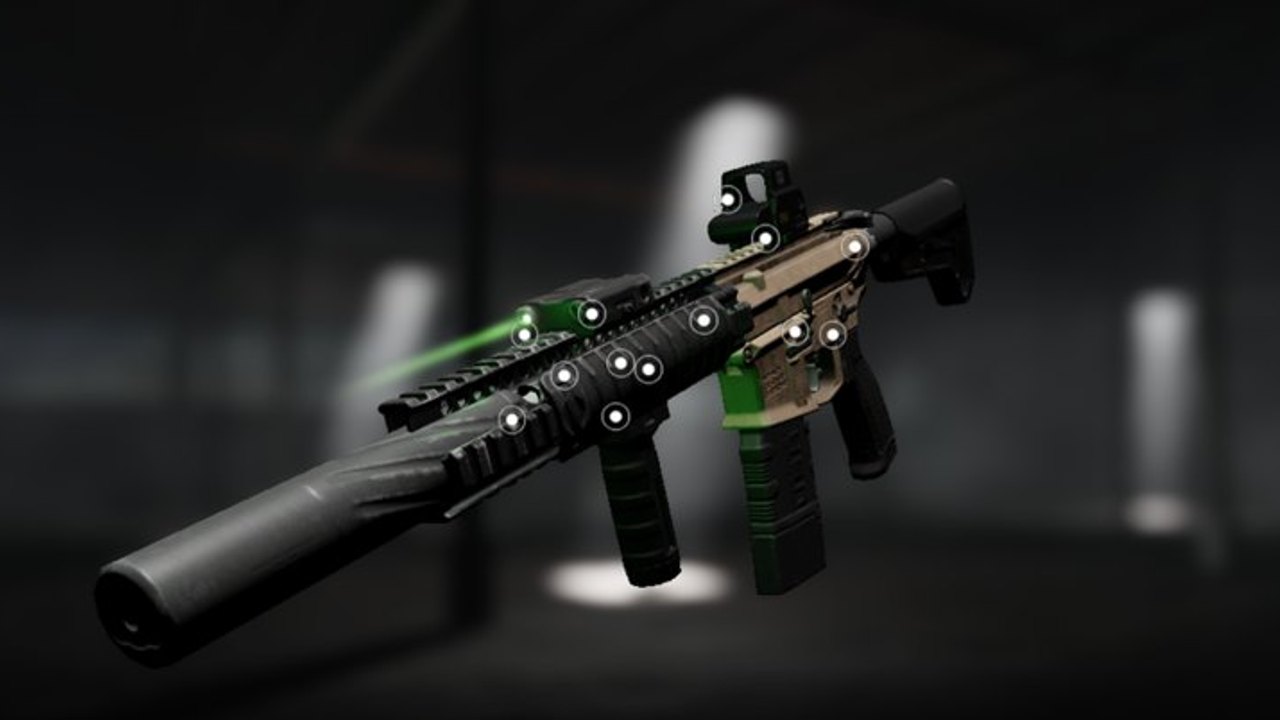
Good FRONTLINES sessions start with intentional inputs. The game supports PC, console-adjacent play through Roblox, and mobile. This controls guide documents the common bindings players rely on, then points you to sensitivity and performance tools so the same muscle memory survives settings tweaks.
PC / Mac controls
| Action | Typical binding |
|---|---|
| Move | W A S D |
| Jump | Space |
| Camera | Mouse |
| Fire | Left mouse |
| ADS / aim | Right mouse |
| Reload | R |
| Sprint | Shift (as offered by experience) |
| Chat | / or chat UI |
| Menu / Esc | Esc |
| Interact | E when prompted |
Exact labels can shift slightly after patches, so open the in-experience settings if a bind feels missing. Chat remains critical for /votekick [player name] [reason] — practice typing it before you need it mid-round. More on that in Votekick and Hackers.
Mobile controls
Mobile uses virtual joysticks and on-screen fire/ADS buttons. Limitations players report include limited HUD customization and harsher competition against mouse users. Keep thumbs high, avoid covering the center of the screen with fingers, and lower graphics early — see FPS Performance.
If vibration or haptics distract you, check device-level settings as well as Roblox app options. Mobile can absolutely frag; it simply demands stricter positioning from Maps and Modes.
Sensitivity philosophy
There is no universal “best sens.” Track your cm/360 with the sensitivity calculator whenever you change DPI or the in-game slider. High sens helps hipfire SMG chaos; lower sens stabilizes AWM flicks. Change one variable at a time and play three matches before judging.
Settings that matter more than keybinds
- Graphics quality 1–3 when visibility tanks — official tip still holds.
- Disable heavy overlays (browser, Discord overlays) that steal frames.
- Keep UI scale readable so you notice objectives in Domination.
- Confirm audio is high enough to hear footsteps before swinging.
Linking controls to loadouts
A Nightwing empties magazines quickly — reloading binds must be comfortable. Snipers need crisp ADS toggles. After you settle binds, refine the gun itself with Attachments and confirm meta expectations on the weapons tier list.
New accounts should still complete Getting Started before optimizing exotic binds. Veterans returning after a break should re-check this page plus updates in case mobile HUD behavior changed.
Practice routine
- Warm up in a quieter server if available, or accept early deaths while tracking only horizontal sway.
- Strafe while shooting to learn counter-movement.
- Practice swapping to secondary when the primary clicks empty — secondary weapons exist for that panic window.
Controller and gamepad notes
Roblox supports controller input on many platforms. Stick deadzone, aim acceleration, and look sensitivity live in experience settings alongside PC binds. Controllers excel at tracking strafing SMG targets in Factory corridors but struggle on Launch Canyon flicks against prepared AWM players. If you play pad, lower your look sensitivity until you can smooth-track a moving head without overshooting, then raise ADS sensitivity separately if the menu allows split curves. Rebind sprint and crouch to shoulder buttons you can reach without lifting thumbs off sticks — Nightwing reload windows are unforgiving when your thumb is trapped on a face button.
Communication habits in 7v7
FRONTLINES matches are small enough that text callouts matter. Type short, readable messages: “AWM mid,” “push B,” or “votekick [name] wallhack” with evidence. Spam clogs chat and makes legitimate /votekick votes fail. If your stack uses voice outside Roblox, still learn the in-game command from Votekick and Hackers because public lobbies will not hear Discord. On mobile, pre-type common phrases in notes apps only if your device supports paste — otherwise practice fast thumb typing during downtime rounds.
Counter-strafe and peek discipline
Tactical shooters reward stopping before you shoot. Tap opposite movement keys briefly to reset accuracy, then fire a controlled burst. Wide swinging the same angle twice without a flash or teammate trade is how Domination points flip. Pair movement drills with a controllable primary from primary weapons before chasing Nightwing speed. When you peek a sniper lane, jiggle the corner once for info, then commit or rotate — never dry-run the same pixel twice in one life.
Controls are the invisible half of gunskill. Pair this guide with Level Up and Credits so your unlocks match the inputs you actually enjoy using.
Frequently Asked Questions
Quick answers for FRONTLINES operators.
What is the votekick command?
Type `/votekick [player name] [reason]` in chat. Etiquette is covered in Votekick and Hackers.
How do I aim on mobile?
Use the on-screen ADS control and keep graphics low for clearer targets. See FPS Performance.
How do I find my sensitivity?
Use the sensitivity calculator with your DPI and in-game sens.
Can I remap every key?
Roblox and experience settings vary. Check Esc menus after each patch listed on updates.
What should I learn after controls?
Move to Maps and Modes and Getting Started loadout advice.